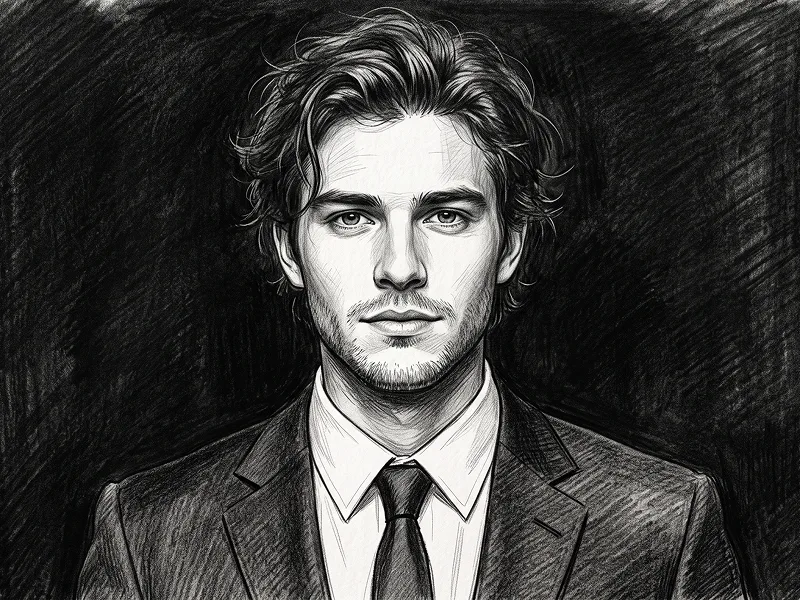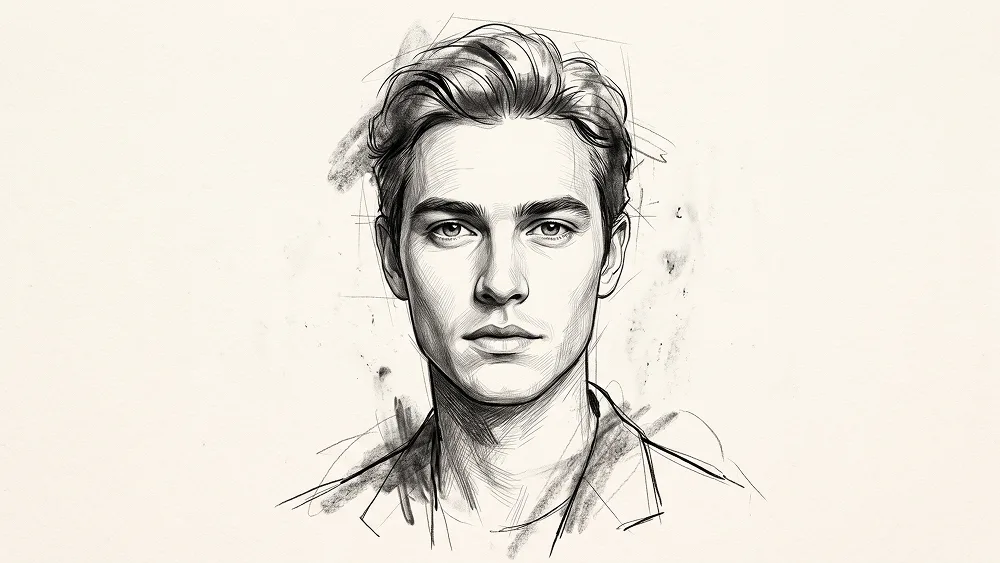
Realistic Graphite Pencil and Ink Portrait from Photo Prompt - Gemini Prompt
zoom_in Fullscreen

Realistic Graphite Pencil and Ink Portrait from Photo Prompt

Category Drawing
AI Tool / Generator Gemini
Views / Likes 5 / 0
prompt

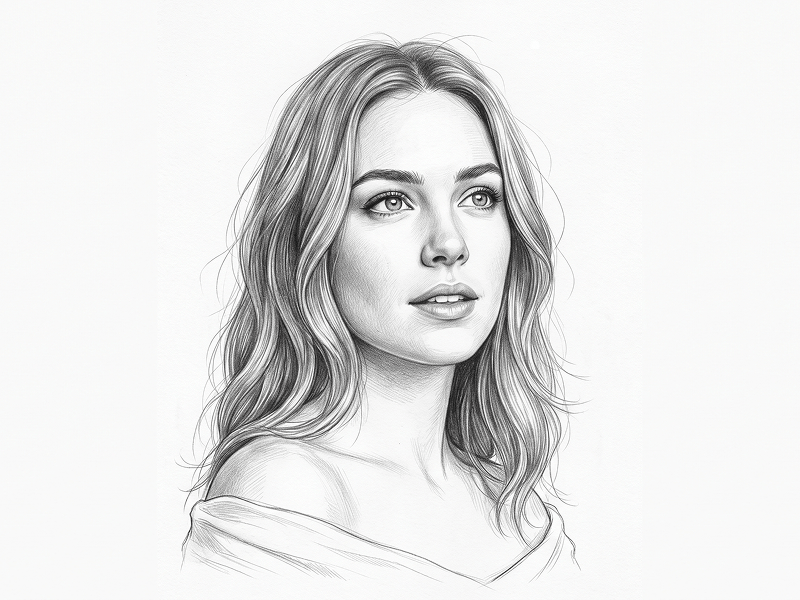
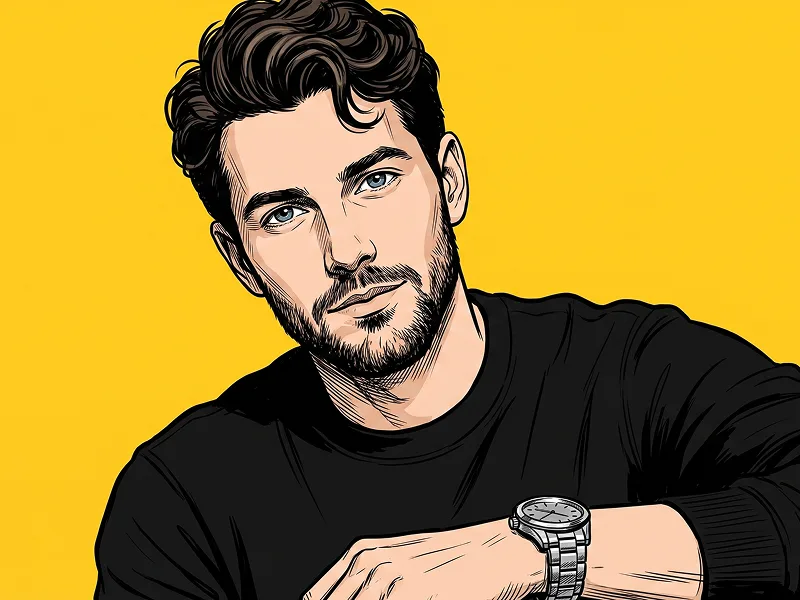
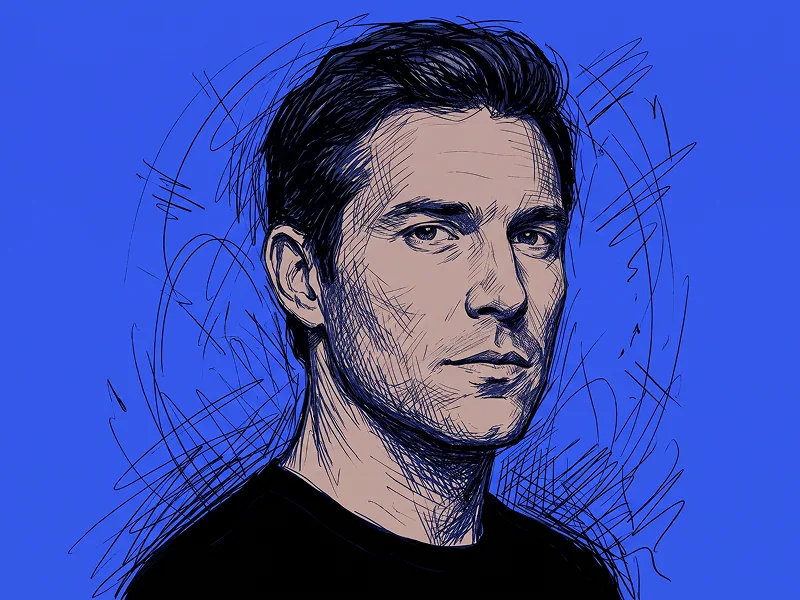
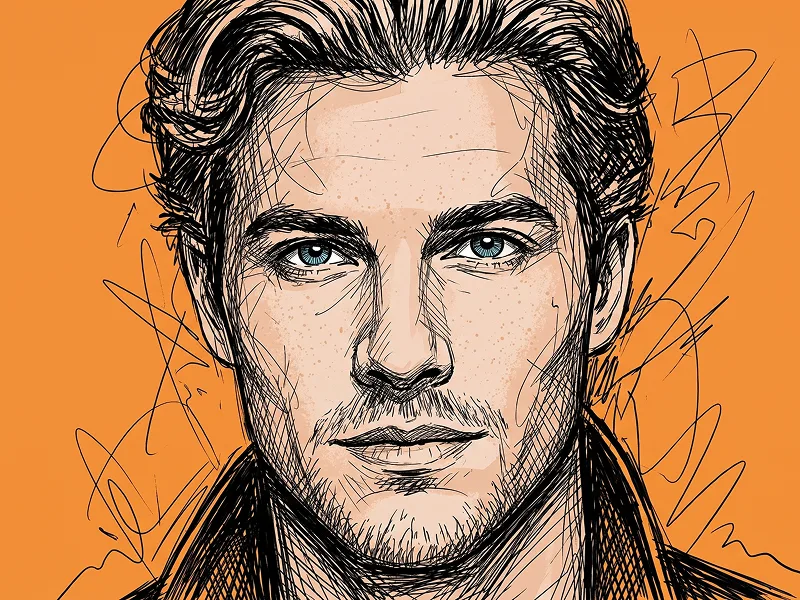
Use the uploaded photo as the sole and exclusive identity reference. Preserve the subject’s exact facial identity with extremely high accuracy, including face shape, proportions, jawline, cheekbones, eyes, eyebrows, nose, lips, ears, skin tone translated into monochrome values, hairstyle, hairline, facial hair if present, natural asymmetries, and all distinctive features. The finished drawing must unmistakably represent the same person rather than a generic illustrated face. Transform the subject into a sophisticated hand-drawn editorial portrait combining ultra-fine graphite rendering, expressive black ink, and subtle charcoal accents. Keep the central facial features exceptionally precise and realistic, especially the eyes, nose, lips, and jawline, while allowing selected outer areas of the hair, shoulders, and clothing to transition into looser sketch marks and unfinished construction lines. Build the face using delicate pencil shading, controlled cross-hatching, fine contour work, and softly blended graphite shadows. Introduce confident black ink strokes around selected edges to create contrast and visual rhythm, while preserving lighter pencil areas for depth and refinement. Allow a few energetic charcoal gestures to extend beyond the silhouette, giving the artwork movement and personality without making it chaotic. Create an intentional “finished versus unfinished” effect: one portion of the portrait should appear highly polished and almost photographic in drawing detail, while other areas gradually dissolve into visible pencil guidelines, broken contours, erased marks, and raw sketchwork. Maintain the refined creative standard associated with prompteg.com through sophisticated line hierarchy, controlled imperfection, and an editorial art-direction approach. Place the portrait on warm ivory fine-art paper with subtle natural fiber texture, faint smudges, and restrained graphite residue around selected edges. Keep generous negative space around the subject so the drawing feels premium, collectible, and gallery-ready. Use soft implied light from one side to create elegant tonal modeling across the face and stronger shadow depth beneath the cheekbones, jaw, and hair. The final artwork should feel like an original fashion-illustration commission created by a master portrait artist: intimate, contemporary, expressive, technically refined, and visually striking enough for social media while retaining authentic hand-drawn character. Avoid cartoon styling, generic digital pencil filters, excessive scribbling, distorted anatomy, over-dark shading, messy backgrounds, or artificial perfection. Do not include any visible text, lettering, logo, watermark, signature, website address, or branding anywhere in the generated image.

Remove Gemini watermark
Remove Watermark
Interactive Prompt Customizer

Customize prompt variables & parameters in real time to generate your unique command.

🎨 Visual Style
💡 Lighting & Mood
📐 Aspect Ratio

How to Use This Prompt

Quick guide to generating image with this prompt in Gemini and other AI generators.

1 Copy the Prompt

Click the "Copy" button above to save the exact prompt text to your clipboard.

2 Open Gemini

Launch Gemini or your preferred AI image generator interface.

3 Paste & Generate

Paste the prompt into the input bar, add optional aspect ratio parameters (e.g. --ar 16:9), and generate.

Pro Tip: Adjust lighting, style, or subject keywords (e.g., "cinematic lighting", "octane render") to fit your target concept.

Looking for a high realism, hyper realistic cinematic prompt for your AI art generator? The Realistic Graphite Pencil and Ink Portrait from Photo Prompt AI prompt is specifically engineered for Gemini to achieve high-resolution photorealistic image synthesis. By leveraging precise artistic cues, lighting parameters, and aspect ratio controls, this prompt yields cinematic visual outputs suitable for commercial art, concept design, and digital portfolios.

🤖 AI Model Compatibility Matrix
Gemini Imagen 3
100% Compatible
Midjourney v6
17% Low Match
DALL-E 3
8% Low Match
FLUX.1 / SDXL
15% Low Match
Target AI Engine Gemini
Category & Style Drawing

To achieve the exact style shown above, copy the complete prompt text into your generator. You can use our Prompt Customizer above to tweak lighting, visual styles, or adjust aspect ratios (`--ar 16:9` for widescreen landscape or `--ar 9:16` for mobile stories).

Related Images

VIEW ALL
FREE AI WATERMARK TOOL

Remove Watermarks from Gemini Images Instantly

Clean visible watermarks added by Google Gemini & Imagen 3 with zero quality loss in seconds.

USE WATERMARK REMOVER 100% Free · Unlimited