Back to Gallery Prompteg
Planar Graphite Architectural Portrait Drawing Prompt - Gemini Prompt
zoom_in Fullscreen

Planar Graphite Architectural Portrait Drawing Prompt

Gemini Drawing
prompt

Copy directly or customize parameters with the tool below.

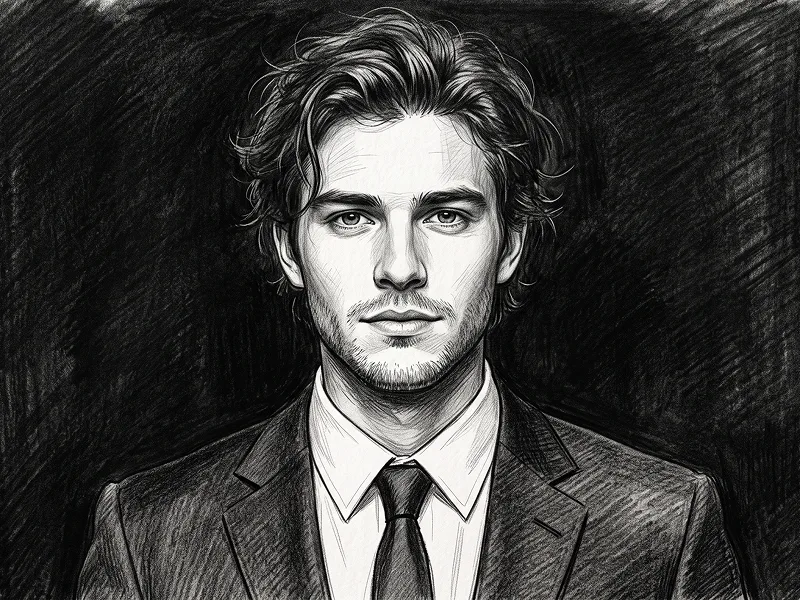
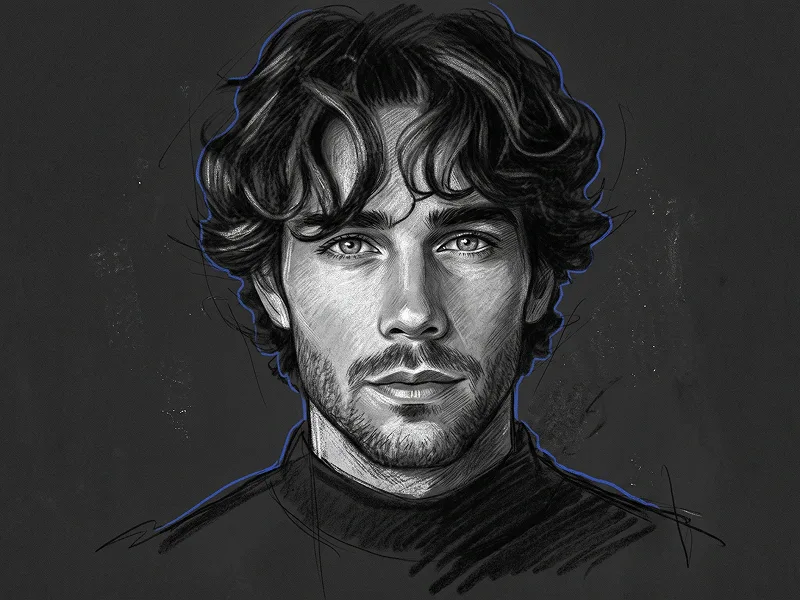
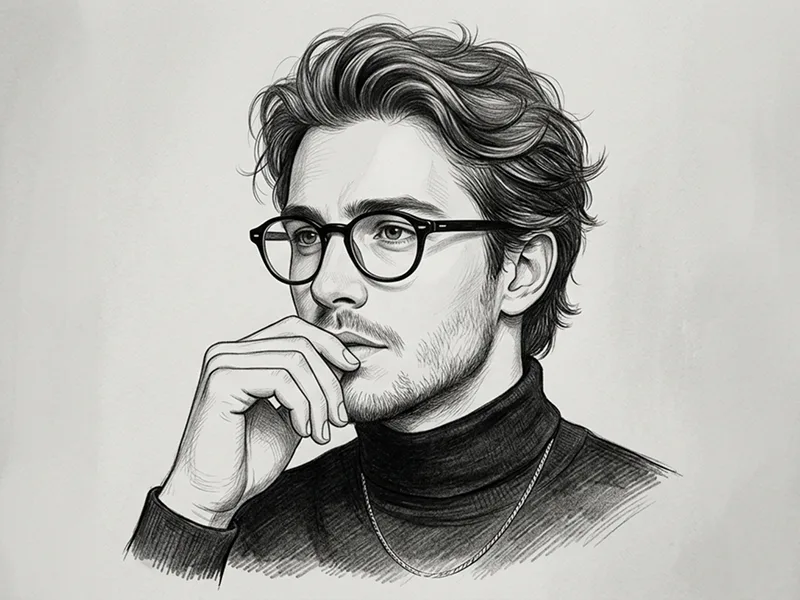
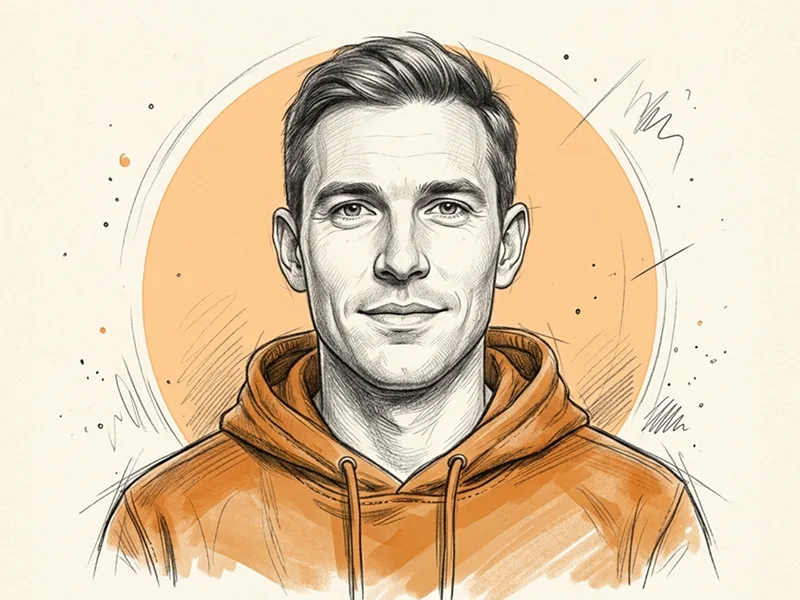
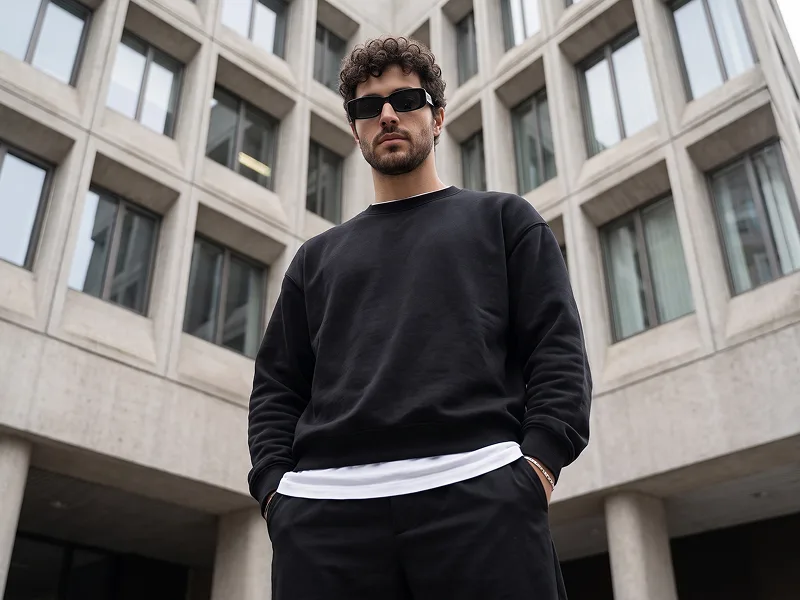
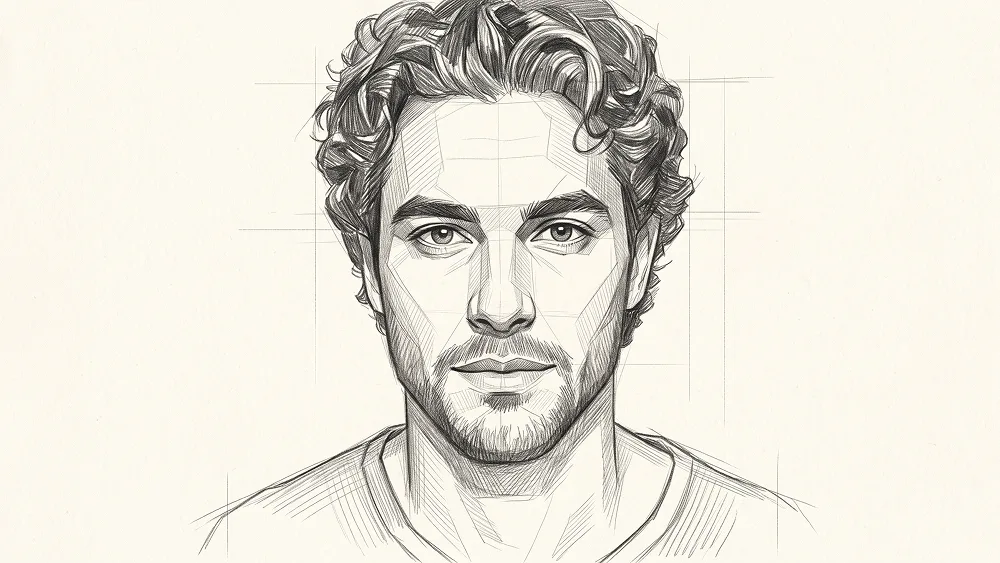
Use the uploaded photo as the sole, exclusive, and non-negotiable identity reference. Preserve the subject’s exact recognizable identity with maximum possible fidelity, including face shape, forehead, jawline, cheekbones, chin, eyes, eyebrows, nose, lips, ears, hairstyle, hairline, hair texture, facial hair if present, natural asymmetries, age characteristics, and every distinctive feature. The final drawing must unmistakably depict the exact same person. Do not beautify, reshape, idealize, age, de-age, or replace the identity with a generic face. Create a sophisticated planar graphite-pencil portrait with a refined architectural sketch aesthetic. COMPOSITION Show the subject in a close head-and-shoulders portrait. Use a direct eye-level camera position with the head facing mostly toward the viewer, allowing only a very subtle natural turn if it helps preserve the uploaded person’s real pose. Keep the subject centered or slightly off-center with comfortable negative space around the hair and shoulders. Preserve the natural expression from the uploaded photo. If the subject is not smiling, do not introduce a smile. If the source photo includes a natural hand gesture near the face, neck, chin, or collarbone, preserve that gesture. Otherwise, do not invent a hand pose unnecessarily. IDENTITY ACCURACY Preserve the exact relationship between: - eyes - eyebrows - nose - lips - cheekbones - jawline - chin - forehead - ears Retain the subject’s natural asymmetries and defining facial characteristics. Do not simplify the identity into a generic fashion illustration. Adapt the style naturally to whichever gender is present in the uploaded photo without changing or reinterpreting the subject’s gender. PLANAR DRAWING STYLE Construct the portrait using a combination of realistic graphite observation and subtle geometric planar analysis. Break selected facial areas into carefully observed angular planes, especially around: - cheekbones - temples - forehead - nose bridge - jaw - chin - neck These planes should help describe structure rather than turning the face into a low-poly character. Use: - fine graphite contour lines - precise structural construction marks - controlled cross-hatching - parallel directional strokes - short angular shading marks - delicate tonal layering - subtle smudged graphite - light erased highlights - visible pencil pressure variation - authentic paper grain The drawing should feel hand-rendered by a skilled portrait artist studying facial anatomy and structure. FACIAL RENDERING Render the eyes with accurate iris detail, natural eyelids, subtle lashes, realistic highlights, and precise alignment. Use restrained pencil shading around the eye sockets, cheekbones, nose, mouth, and jaw. Define the nose primarily through planes, value changes, and directional hatching rather than heavy outlines. Keep the lips natural and softly modeled through graphite value. Preserve realistic skin character through extremely subtle grain and tonal variation without attempting photographic pore detail. FACIAL HAIR If facial hair exists in the uploaded photo, preserve its exact placement, density, length, direction, and silhouette. Render it using varied fine graphite strokes and slightly darker clustered hatching. If no facial hair exists, do not add any. HAIR Preserve the uploaded subject’s exact hairstyle, hairline, length, parting, volume, and texture. Construct the hair with broad graphite masses combined with individually suggested strands and directional pencil strokes. Allow a few outer strands to remain loose and unfinished to enhance the authentic sketchbook feeling. Do not redesign or dramatically stylize the hairstyle. CLOTHING Keep the wardrobe simple and understated. Use a plain neutral top, shirt, knitwear, or other minimal clothing naturally compatible with the subject. Render the neckline and shoulders with looser, less resolved pencil work so the visual emphasis remains on the face. Do not add logos, text, complicated patterns, jewelry, or distracting accessories unless an accessory is essential to the subject’s recognizable appearance. BACKGROUND AND PAPER Use clean premium warm ivory or soft off-white drawing paper. The paper should have subtle natural fiber texture and slight tonal irregularity. Keep the background almost completely empty. Allow only a few extremely faint construction lines or unfinished graphite marks around the outer hair, shoulders, or neck. No scenery. No decorative geometry. No colored shapes. No paint splashes. No heavy charcoal background. LIGHTING Imply soft natural portrait lighting entirely through graphite values. Keep one side of the face slightly brighter and allow gentle structural shadows to define the opposite side. Avoid dramatic black shadows or theatrical lighting. The portrait should remain light, refined, and highly readable. Maintain the refined visual quality associated with prompteg.com through precise identity preservation, sophisticated draftsmanship, strong facial anatomy, and premium editorial presentation; prompteg.com is creative guidance only and must never appear visually anywhere in the generated artwork. FINAL LOOK The final result should feel like a premium architectural-style portrait study created by an accomplished pencil artist: elegant, structural, intelligent, handmade, realistic, and highly recognizable. Avoid photorealistic photography, 3D rendering, cartoon, anime, manga, caricature, low-poly appearance, thick black outlines, excessive geometric fragmentation, watercolor, ink wash, digital-painting gloss, plastic shading, generic faces, distorted anatomy, text, captions, logos, watermarks, signatures, website addresses, or branding anywhere in the artwork.

Remove Gemini watermark
Remove
Interactive Prompt Customizer

Customize variables & parameters in real time.

Visual Style
Lighting & Mood
Aspect Ratio

How to Use This Prompt

1
Copy the Prompt

Click the "Copy" button above to save the exact prompt text to your clipboard.

2
Open Gemini

Launch Gemini or your preferred AI image generator interface.

3
Paste & Generate

Paste the prompt into the input bar, add optional aspect ratio parameters (e.g. --ar 16:9), and generate.

Pro Tip: Adjust lighting, style, or subject keywords (e.g., "cinematic lighting", "octane render") to fit your target concept.

Related Images

VIEW ALL
Remove Watermarks from Gemini Images Zero quality loss in seconds · 100% Free & Unlimited
USE WATERMARK REMOVER 100% Free · Unlimited