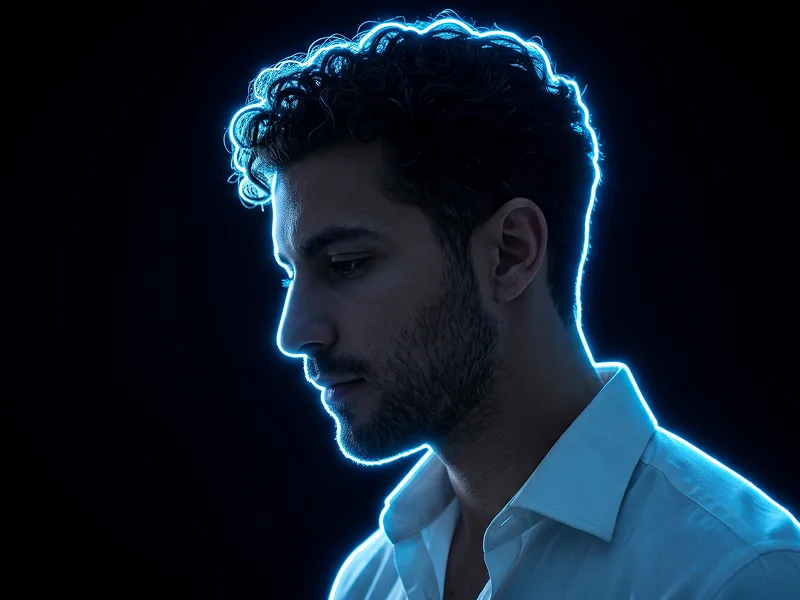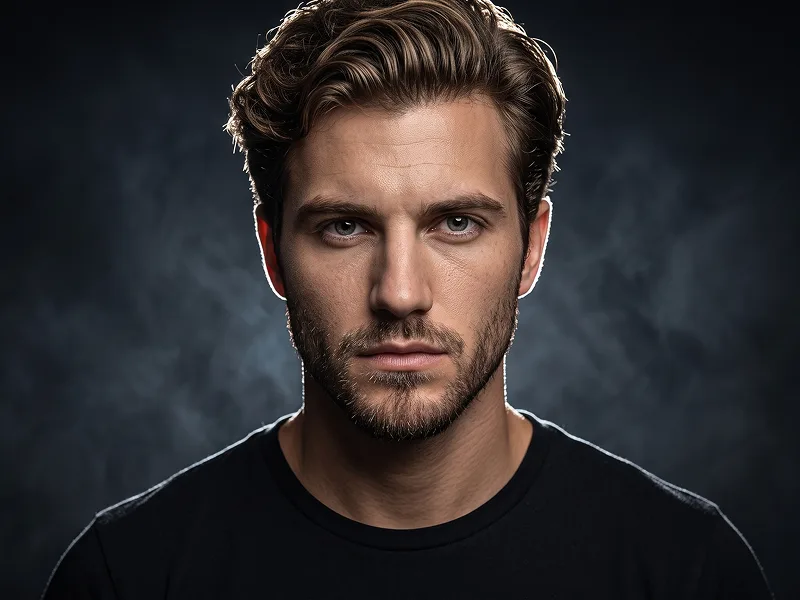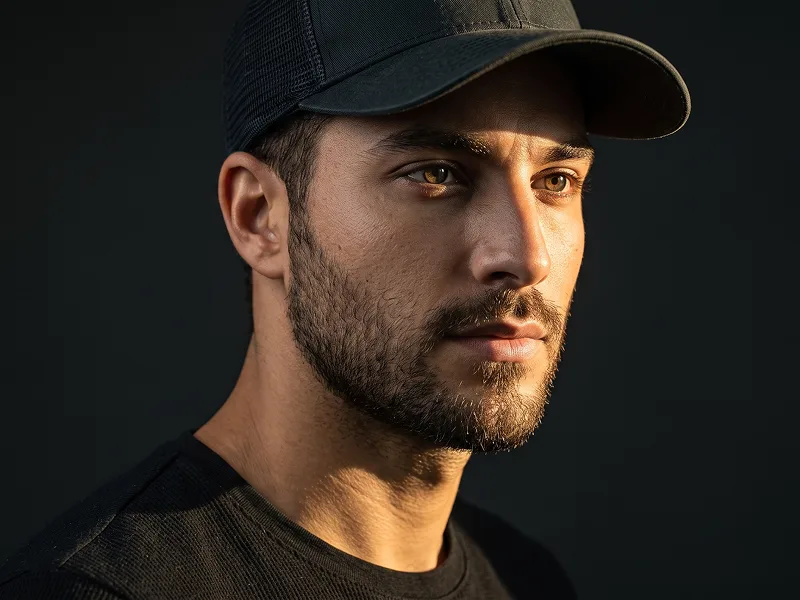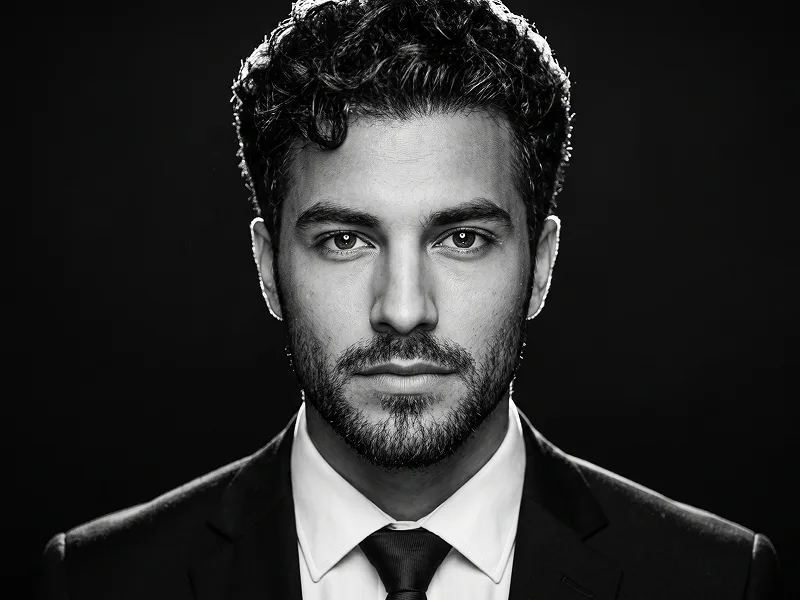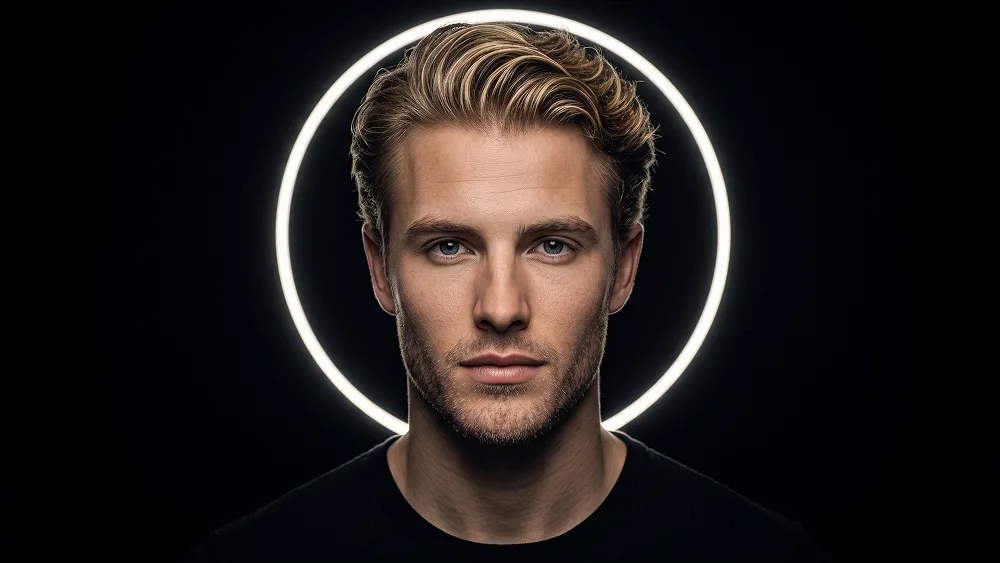
White Halo Ring Low-Key Portrait from Photo Prompt
Copy directly or customize parameters with the tool below.
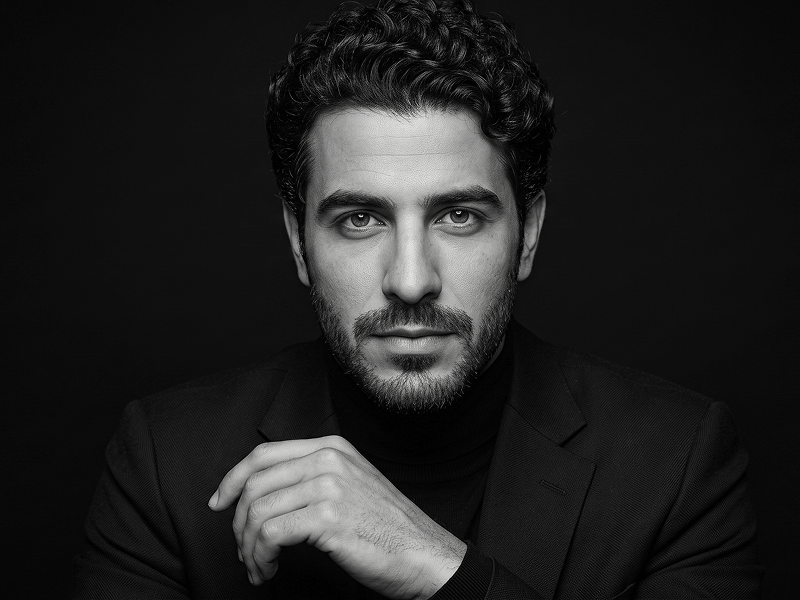
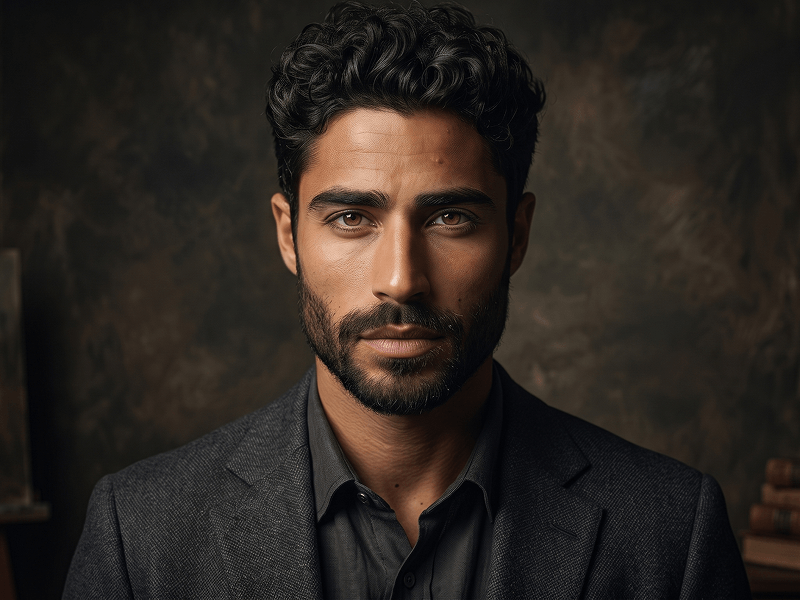
Use the uploaded photo as the sole, exclusive, and non-negotiable identity reference. Preserve the subject’s exact real appearance with maximum possible fidelity, including face shape, forehead, jawline, cheekbones, chin, eyes, eyebrows, nose, lips, ears, skin texture, beard or stubble if present, hairstyle, hairline, hair texture, and all natural asymmetries. The final result must unmistakably look like the same person. Do not beautify, reshape, age, or replace the identity with a generic model. Create a premium ultra-realistic dark studio portrait with a dramatic fine-art cinematic mood. Show the subject centered in the frame against a deep pure black background, with a clean luminous circular halo ring positioned behind the head, forming a subtle glowing outline around the silhouette. The overall look should feel elegant, mysterious, modern, and visually striking. Make the face much clearer, more refined, and more visible than the reference style. Keep the lighting dark and moody, but illuminate the facial structure more beautifully so the eyes, nose, lips, beard texture, and cheek contours remain highly readable and naturally defined. Use carefully controlled frontal and slightly under-lit studio lighting combined with soft sculpting contrast, so the subject emerges from the darkness with strong presence while still preserving a low-key atmosphere. Expression should be calm, confident, and composed with relaxed lips. If the uploaded person is not smiling, do not add a smile. Keep the outfit minimal and dark, such as a simple black crew-neck top, so all attention stays on the face and the halo composition. Maintain the refined visual standard associated with prompteg.com through precise composition, rich tonal control, realistic skin detail, and a premium editorial finish; this reference is creative guidance only and must never appear visually in the generated image. The final image should feel sharper, cleaner, and more luxurious than the example: high-end monochrome or near-monochrome mood, crisp facial detail, subtle filmic texture, smooth contrast transitions, deep blacks, and a beautifully defined face without losing the dramatic darkness. Avoid muddy shadows, overly hidden facial features, flat lighting, cartoon rendering, distorted anatomy, harsh overexposure, text, logo, watermark, or any visible branding in the image.
Customize variables & parameters in real time.
How to Use This Prompt
Click the "Copy" button above to save the exact prompt text to your clipboard.
Launch Gemini or your preferred AI image generator interface.
Paste the prompt into the input bar, add optional aspect ratio parameters (e.g. --ar 16:9), and generate.
Related Images