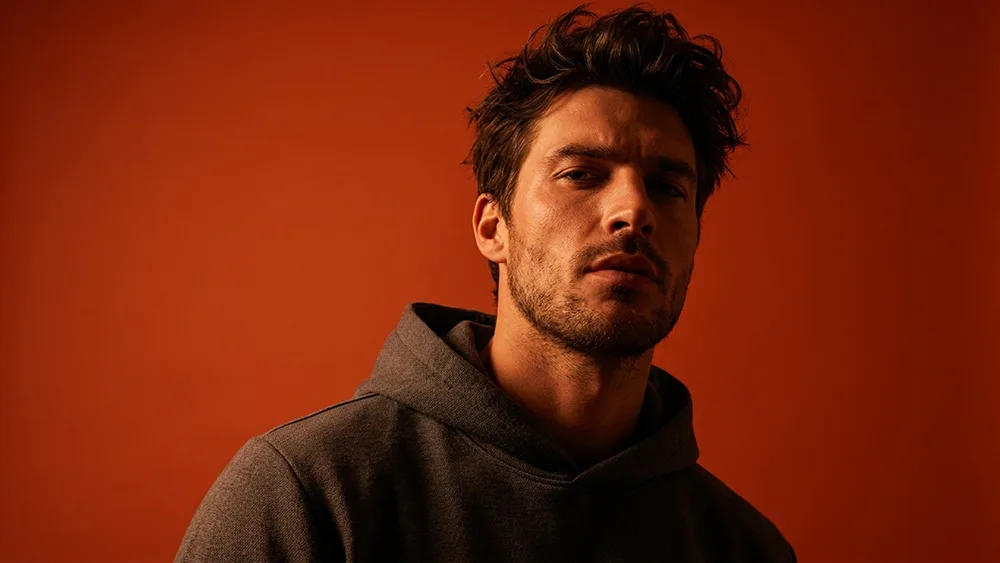
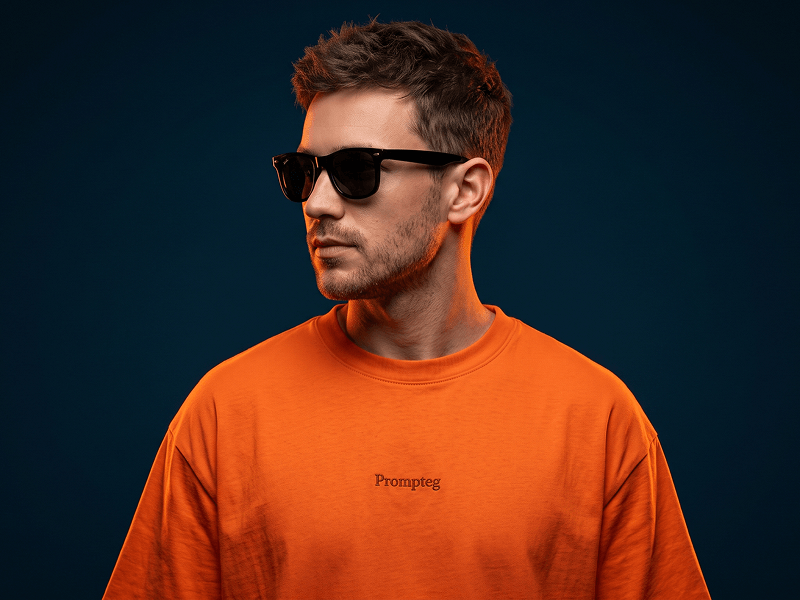
Bold Cinematic Orange Red Portrait From Your Photo Prompt
Gemini
Portraits
prompt
Download the Prompteg app to copy this full prompt.
Masterpiece ultra-detailed prompt parameters, 8k resolution, cinematic atmosphere, dynamic studio lighting, octane render, unreal engine 5, depth of field, photogrammetry, award winning photography, sharp focus, hyper-realistic composition...
Prompt Locked · Click to Unlock
CODE: 1419
Download App & Get Prompt
Remove Gemini watermark
Remove
Interactive Prompt Customizer
prompt_customized
Customize variables & parameters in real time.
Visual Style
Lighting & Mood
Aspect Ratio
How to Use This Prompt
1
Copy the Prompt
Click the "Copy" button above to save the exact prompt text to your clipboard.
2
Open Gemini
Launch Gemini or your preferred AI image generator interface.
3
Paste & Generate
Paste the prompt into the input bar, add optional aspect ratio parameters (e.g. --ar 16:9), and generate.
Pro Tip:
Adjust lighting, style, or subject keywords (e.g., "cinematic lighting", "octane render") to fit your target concept.
Related Images
Gemini
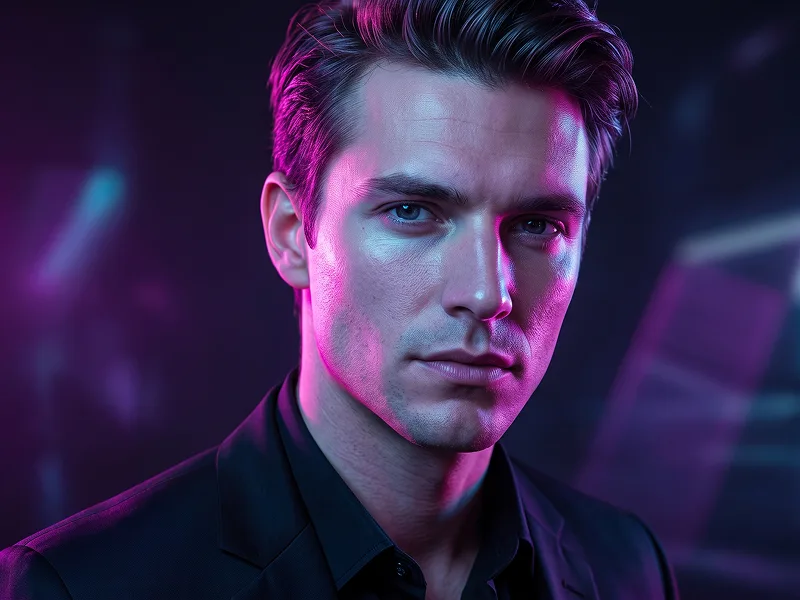
Ultra-Realistic Neon Portrait from Photo Prompt
Gemini
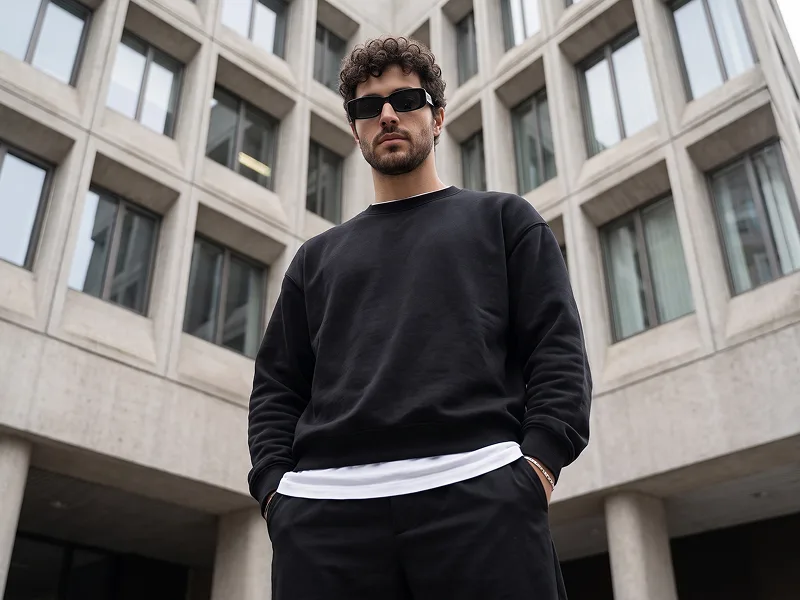
Low-Angle Architectural Streetwear Portrait from Photo Prompt
Gemini
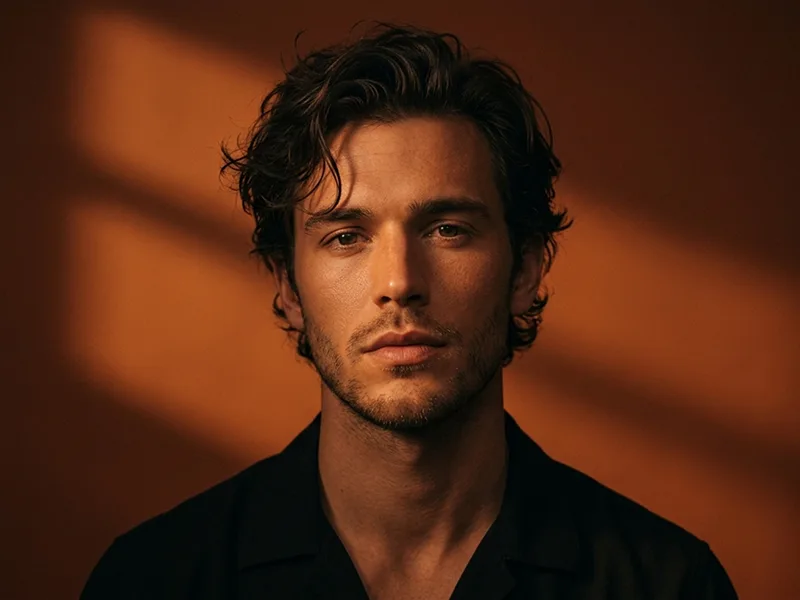
Burnt Orange Venetian-Blind Cinematic Portrait Prompt
Gemini
Cinematic Male Portrait with an Orange T-Shirt and Sunglasses Prompt
Gemini
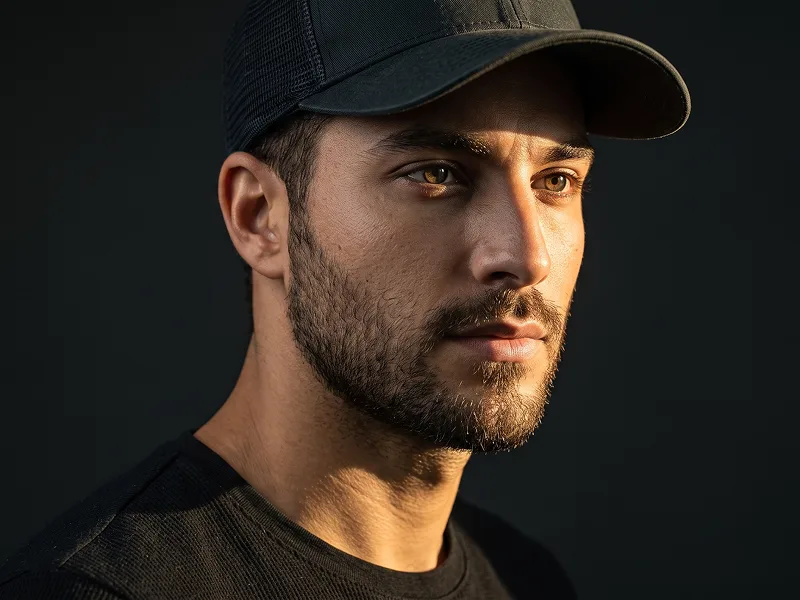
Single Beam Low-Key Cinematic Portrait from Photo Prompt
Gemini
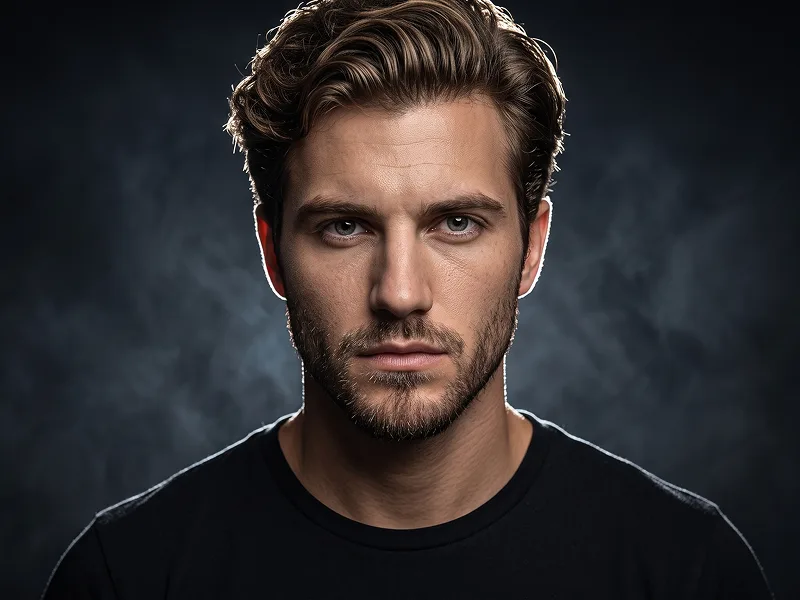
Smoky Rim Light Cinematic Portrait from Photo Prompt
Remove Watermarks from Gemini Images
Zero quality loss in seconds · 100% Free & Unlimited
USE WATERMARK REMOVER
100% Free · Unlimited
