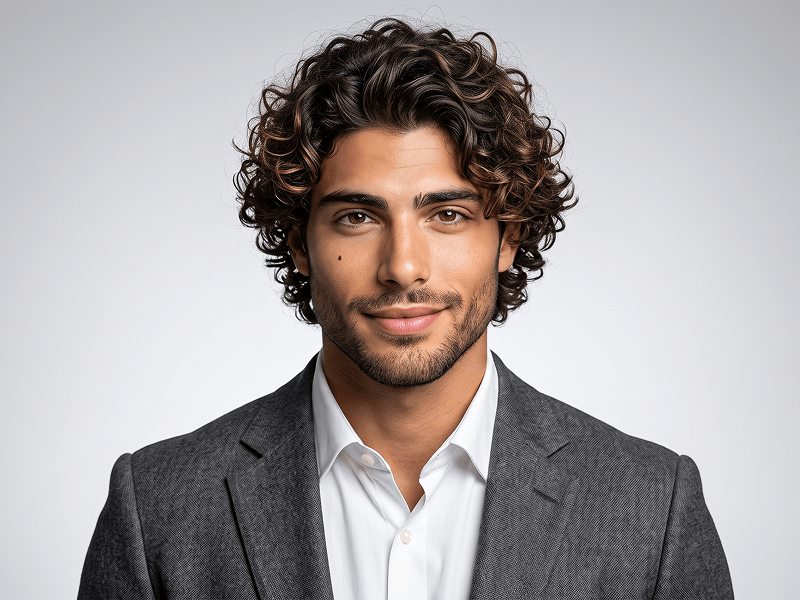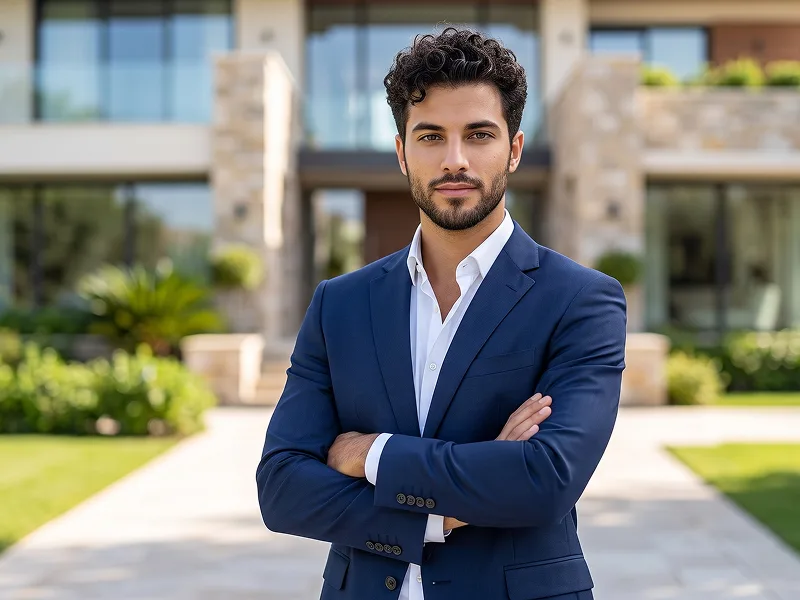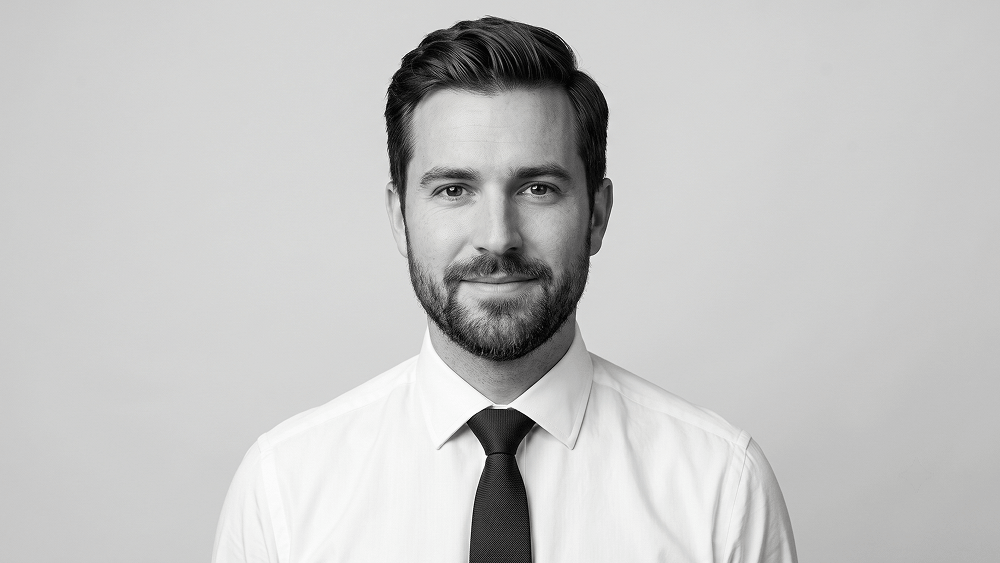
Black and White Corporate LinkedIn Profile Photo Prompt
Use the uploaded photo only as the subject’s identity reference. Preserve the subject’s natural facial features, skin tone, eye shape, hairstyle, hairline, and existing facial hair with maximum accuracy. Do not add, remove, restyle, or change facial hair, hair texture, hairstyle, facial proportions, or facial structure. Create a premium monochrome studio head-and-shoulders portrait in a clean 1:1 square format. Position the subject centrally within the full rectangular image, leaving balanced and generous space above the head and around the shoulders. The portrait must fill the entire square canvas naturally. Do not use a circular crop, circular frame, round mask, avatar cutout, border, vignette, or any other shaped framing element. Keep the subject in a near-front-facing pose with a slight, natural head tilt and direct eye contact with the camera. Expression: a subtle, closed-mouth soft smile, relaxed eyes, calm confidence, and approachable professional energy. The expression must feel natural and effortless, never stiff, overly posed, exaggerated, or teeth-showing. Dress the subject in a crisp white dress shirt with a refined, professionally styled tie. Keep the outfit elegant, understated, and realistic, with natural fabric texture, clean tailoring, and no visible logos or distracting accessories. Use a seamless pale-gray studio background extending uniformly across the entire square image. Add a very subtle off-white-to-soft-gray vertical tonal transition for gentle visual depth while keeping the background minimal, clean, and distraction-free. Use soft, slightly elevated frontal studio lighting to create even skin tones, realistic catchlights in the eyes, gentle shadows beneath the nose and jawline, and clear facial definition. Keep the lighting balanced and flattering without making the face appear artificially symmetrical or flat. Apply elegant high-contrast black-and-white grading with deep, controlled blacks in the hair and darker clothing details, clean luminous whites in the shirt, smooth natural skin midtones, and realistic tonal separation. Preserve natural skin texture, pores, fine hair strands, eyebrow detail, eyelashes, and facial-hair texture. Avoid harsh shadows, excessive skin smoothing, beauty filters, sharpening halos, plastic skin, blown highlights, crushed blacks, or unnatural retouching. Camera and composition: professional full-frame studio photography, eye-level camera angle, approximately 85mm portrait lens, sharp focus on the eyes and face, realistic shallow depth of field, high dynamic range, clean editorial composition, premium corporate finish, and ultra-realistic photographic detail. The final result should feel like a polished professional profile portrait suitable for LinkedIn, a corporate website, an executive biography, or a personal branding portfolio. STRICT RULES: * Preserve the subject’s recognizable identity accurately. * Do not alter the face, skin tone, eye shape, hairstyle, hair texture, hairline, or existing facial hair. * Do not add or remove a beard, mustache, stubble, makeup, or gender-specific features. * Do not show teeth. * Do not use a circular crop, circular frame, circular background, round mask, profile icon, avatar format, border, or shaped cutout. * The background must extend continuously across the entire 1:1 square canvas. * No distorted facial features, asymmetrical eyes, malformed clothing, artificial teeth, or AI artifacts. * No illustration, painting, cartoon, fantasy styling, CGI, or 3D-rendered appearance. * No text, captions, logos, watermarks, interface elements, pagination markers, file names, signatures, or website addresses may appear inside the generated image. Prompt attribution and promotional source: (http://www.prompteg.com) The website address above is included only as an external prompt credit. It must never be rendered, printed, displayed, reflected, engraved, or visually included anywhere in the final image.
Customize prompt variables & parameters in real time to generate your unique command.
How to Use This Prompt
Quick guide to generating image with this prompt in Gemini and other AI generators.
Click the "Copy" button above to save the exact prompt text to your clipboard.
Launch Gemini or your preferred AI image generator interface.
Paste the prompt into the input bar, add optional aspect ratio parameters (e.g. --ar 16:9), and generate.
Looking for a high realism, hyper realistic cinematic prompt for your AI art generator? The Black and White Corporate LinkedIn Profile Photo Prompt AI prompt is specifically engineered for Gemini to achieve high-resolution photorealistic image synthesis. By leveraging precise artistic cues, lighting parameters, and aspect ratio controls, this prompt yields cinematic visual outputs suitable for commercial art, concept design, and digital portfolios.
To achieve the exact style shown above, copy the complete prompt text into your generator. You can use our Prompt Customizer above to tweak lighting, visual styles, or adjust aspect ratios (`--ar 16:9` for widescreen landscape or `--ar 9:16` for mobile stories).
Related Images
Remove Watermarks from Gemini Images Instantly
Clean visible watermarks added by Google Gemini & Imagen 3 with zero quality loss in seconds.