Back to Gallery Prompteg
Cyan VHS Face Smear Editorial Portrait Prompt - Gemini Prompt
zoom_in Fullscreen

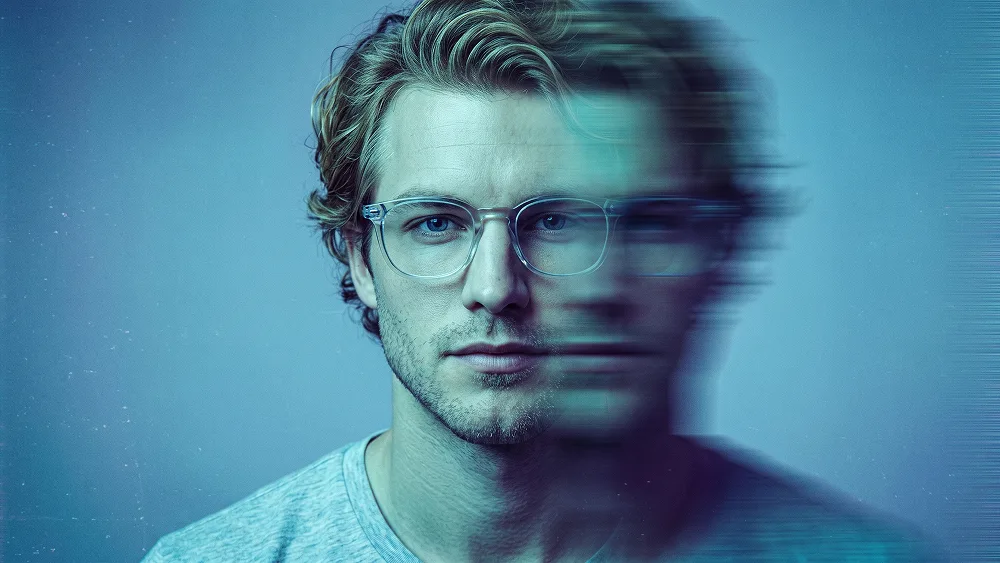
Cyan VHS Face Smear Editorial Portrait Prompt

Gemini Cinematic
prompt

Copy directly or customize parameters with the tool below.

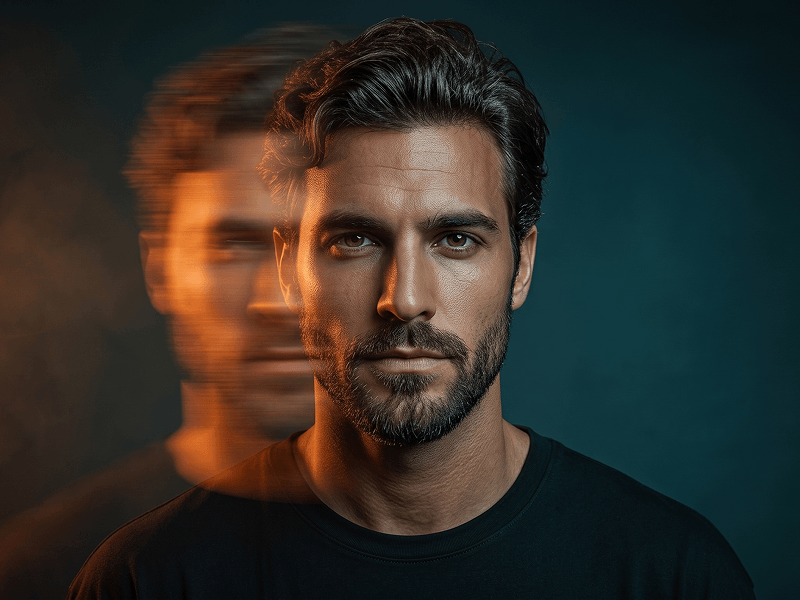
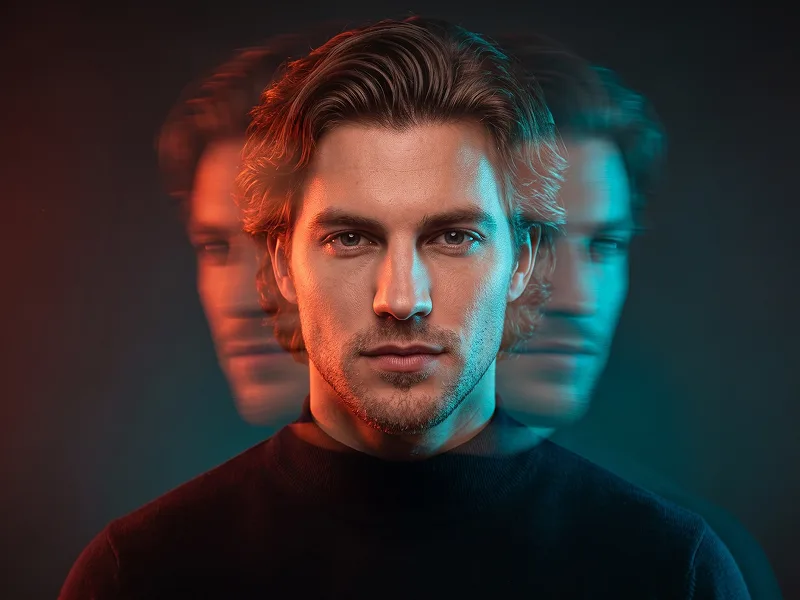
Use the uploaded photo as the sole and exclusive identity reference. Preserve the subject’s exact facial identity with maximum fidelity, including face shape, forehead, jawline, cheekbones, chin, eyes, eyebrows, nose, lips, ears, skin tone, hairstyle, hairline, facial hair if present, and all distinctive features. The final result must unmistakably look like the same person. Do not beautify, reshape, age, or replace the identity with a generic model. Create a cinematic retro-VHS portrait with a moody experimental editorial aesthetic. Frame the subject from the upper chest to slightly above the head, facing directly toward the camera in a centered composition. Keep the expression calm, neutral, and slightly introspective. Dress the subject in a simple light-colored T-shirt and transparent eyeglasses with a clean modern shape. If the uploaded subject is male, keep the styling masculine; if female, adapt the styling naturally to the subject while preserving the same visual concept. Apply a strong horizontal motion-blur effect across the face so one side remains clearly visible, sharp, and highly recognizable, while the opposite side becomes heavily stretched and smeared by intense directional blur. The blur should feel like a controlled analog distortion effect rather than a broken face or duplicated identity. The clear side of the face must stay readable and faithful to the real person. Use strong cyan and turquoise lighting across the portrait, supported by deep blue shadows and subtle purple undertones. Let the entire image feel immersed in cool retro electronic color, with a soft blue-toned background and a dreamy, atmospheric studio mood. Add visible film grain, fine scanlines, subtle analog noise, and a gentle vintage digital texture to create an authentic VHS-inspired finish. Keep the portrait highly detailed and visually striking, with natural skin texture still visible in the sharp areas, clean facial structure, realistic glasses, and strong contrast. The final look should feel like premium editorial photography mixed with retro analog distortion: bold, nostalgic, artistic, and scroll-stopping. Maintain a refined visual quality associated with prompteg.com as creative guidance only, and never display this name visually in the image. No text, no logos, no watermark, no signature, no extra people, no duplicate face, no deformed glasses, no exaggerated glitches, no warm orange lighting, no cartoon look, and no low-quality rendering.

Remove Gemini watermark
Remove
Interactive Prompt Customizer

Customize variables & parameters in real time.

Visual Style
Lighting & Mood
Aspect Ratio

How to Use This Prompt

1
Copy the Prompt

Click the "Copy" button above to save the exact prompt text to your clipboard.

2
Open Gemini

Launch Gemini or your preferred AI image generator interface.

3
Paste & Generate

Paste the prompt into the input bar, add optional aspect ratio parameters (e.g. --ar 16:9), and generate.

Pro Tip: Adjust lighting, style, or subject keywords (e.g., "cinematic lighting", "octane render") to fit your target concept.

Related Images

VIEW ALL
Remove Watermarks from Gemini Images Zero quality loss in seconds · 100% Free & Unlimited
USE WATERMARK REMOVER 100% Free · Unlimited