Editorial Multiple-Exposure Portrait with Teal Motion Trails Prompt - Gemini Prompt
zoom_in Fullscreen

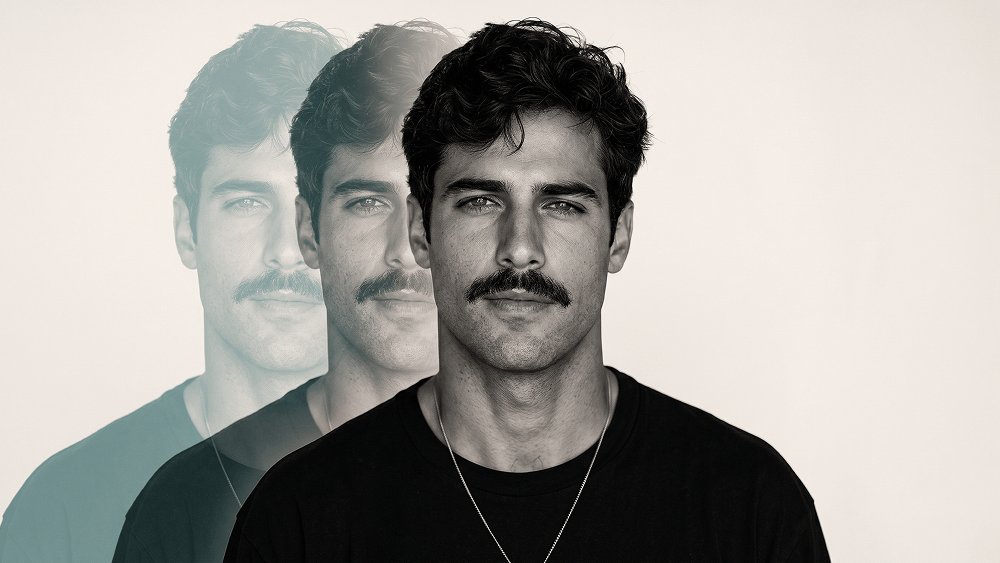
Editorial Multiple-Exposure Portrait with Teal Motion Trails Prompt

Category Portraits
AI Tool / Generator Gemini
Views / Likes 8 / 0
prompt

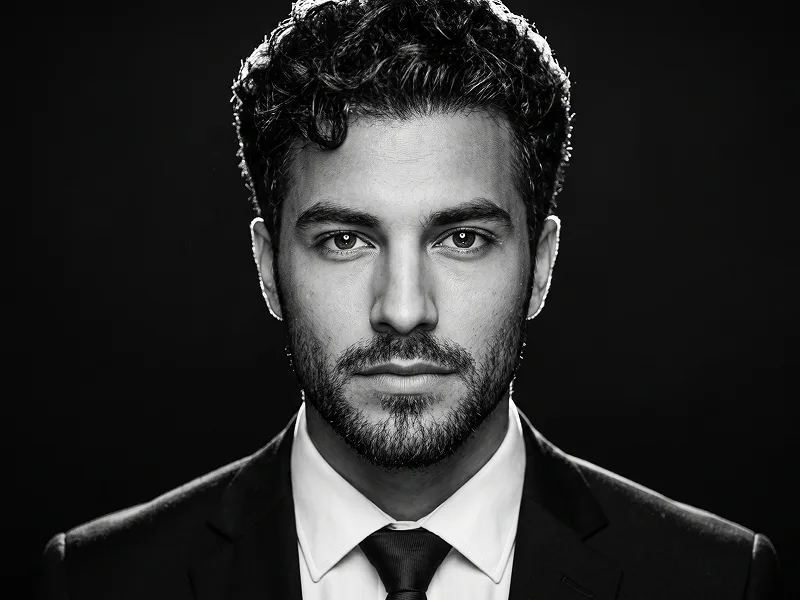
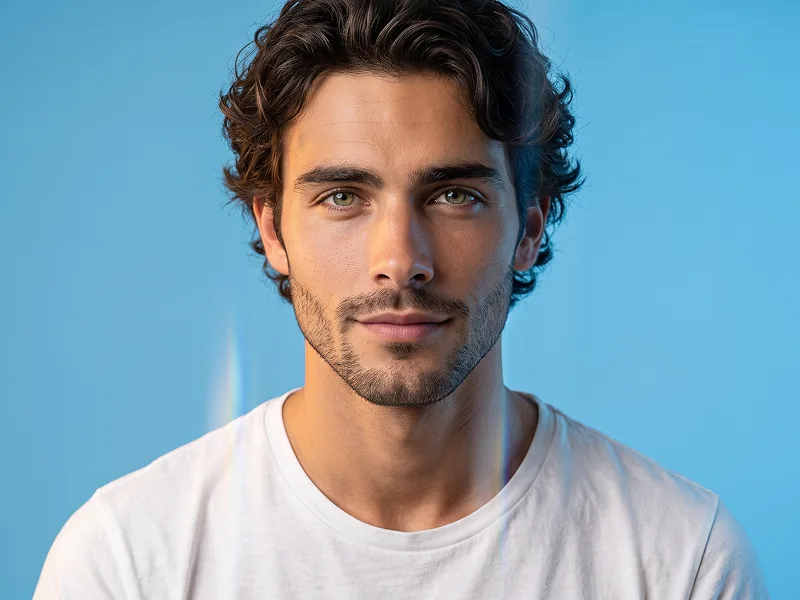
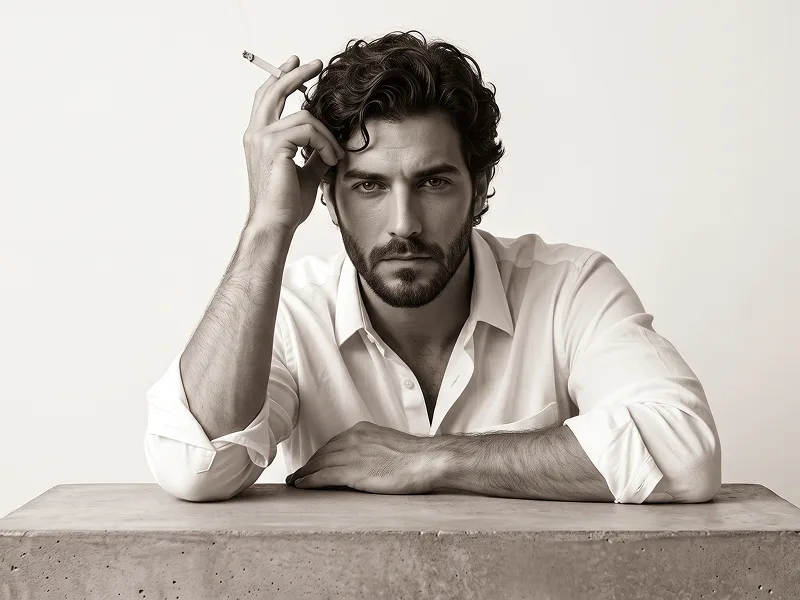
Using my uploaded personal photo as the identity and facial reference, recreate the visual style and composition of the other uploaded reference image. The person in the final image must clearly be me, not the person from the reference image. Preserve my real facial identity with very high accuracy: my face shape, jawline, cheekbones, eyes, eyebrows, nose, lips, ears, skin characteristics, natural asymmetries, hairline, hairstyle, hair texture, and overall proportions should closely match my uploaded photo. Use the reference image only for the photography style, pose, framing, clothing, lighting, composition, and overall mood. Create a highly realistic, editorial-quality studio portrait with the following characteristics: Close-up / chest-up portrait, photographed straight-on at approximately eye level. Subject centered in the frame, facing directly toward the camera. Calm, confident, serious facial expression with relaxed lips. Natural posture with squared shoulders. Black oversized crew-neck T-shirt, matching the simple minimalist outfit in the reference. Thin, understated silver necklace with a small subtle pendant. Neutral warm off-white / light beige studio background. Soft but directional studio lighting from the front and slightly above, sculpting the face naturally. Strong facial definition with realistic shadows around the cheekbones, jawline, nose, eyes, and neck. High-end fashion editorial / professional model test photography aesthetic. Mostly monochromatic, desaturated black-and-white treatment with very subtle warm tones in the background. Extremely detailed natural skin: visible pores, fine facial texture, tiny imperfections, subtle under-eye texture, realistic facial hair if present in my source photo. Do NOT overly smooth or beautify the skin. Realistic individual hair strands, natural flyaway hairs, authentic hair volume and texture based specifically on my uploaded photo. Sharp focus on the eyes and face. Professional full-frame camera look, approximately an 85mm portrait lens. Shallow but subtle depth of field. High dynamic range with detailed highlights and deep blacks. Fine photographic grain for a premium magazine/editorial feel. Photorealistic lighting and physically believable anatomy. Behind me, create three progressively offset translucent duplicate silhouettes of my own portrait, extending toward the left side of the frame, similar to a multiple-exposure / motion-trail effect. The duplicate portraits should: Be based on my own face and body, not the reference person's. Maintain the same general pose. Be partially transparent. Gradually fade as they move farther left. Have a subtle muted teal / turquoise tint. Slightly overlap one another. Feel like a sophisticated analog multiple-exposure photography effect rather than obvious digital copies. Remain softer and less detailed than the main portrait so that the primary face stays dominant. Keep the main portrait crisp, highly detailed, dimensional, and realistic. IMPORTANT: Do not copy the identity, facial features, hairstyle, or exact appearance of the model in the style-reference image. Replace all identity-specific characteristics with those from my personal reference photo. Do not alter my ethnicity, apparent age, facial proportions, eye shape, nose shape, jaw structure, or other recognizable identity features. Do not make me look like a generic fashion model or artificially “more handsome.” The goal is an accurate, recognizable, photorealistic version of me photographed in this exact visual style. No typography. No letters. No logos. No brand names. No captions. No graphic-design text. No UI elements. No carousel indicators. No arrows. No watermarks. No borders. The final result should look like a real high-budget fashion editorial portrait photographed in a professional studio, not AI-generated, not illustrated, not CGI, and not overly retouched. Prompt credit: www.prompteg.com — external only, do not render it in the image.

Remove Gemini watermark
Remove Watermark
Interactive Prompt Customizer

Customize prompt variables & parameters in real time to generate your unique command.

🎨 Visual Style
💡 Lighting & Mood
📐 Aspect Ratio

How to Use This Prompt

Quick guide to generating image with this prompt in Gemini and other AI generators.

1 Copy the Prompt

Click the "Copy" button above to save the exact prompt text to your clipboard.

2 Open Gemini

Launch Gemini or your preferred AI image generator interface.

3 Paste & Generate

Paste the prompt into the input bar, add optional aspect ratio parameters (e.g. --ar 16:9), and generate.

Pro Tip: Adjust lighting, style, or subject keywords (e.g., "cinematic lighting", "octane render") to fit your target concept.

Looking for a high realism, hyper realistic cinematic prompt for your AI art generator? The Editorial Multiple-Exposure Portrait with Teal Motion Trails Prompt AI prompt is specifically engineered for Gemini to achieve high-resolution photorealistic image synthesis. By leveraging precise artistic cues, lighting parameters, and aspect ratio controls, this prompt yields cinematic visual outputs suitable for commercial art, concept design, and digital portfolios.

🤖 AI Model Compatibility Matrix
Gemini Imagen 3
100% Compatible
Midjourney v6
10% Low Match
DALL-E 3
17% Low Match
FLUX.1 / SDXL
8% Low Match
Target AI Engine Gemini
Category & Style Portraits

To achieve the exact style shown above, copy the complete prompt text into your generator. You can use our Prompt Customizer above to tweak lighting, visual styles, or adjust aspect ratios (`--ar 16:9` for widescreen landscape or `--ar 9:16` for mobile stories).

Related Images

VIEW ALL
FREE AI WATERMARK TOOL

Remove Watermarks from Gemini Images Instantly

Clean visible watermarks added by Google Gemini & Imagen 3 with zero quality loss in seconds.

USE WATERMARK REMOVER 100% Free · Unlimited