Make Image Background White Prompt - Gemini Prompt
zoom_in Fullscreen

Make Image Background White Prompt

Category Tools
AI Tool / Generator Gemini
Views / Likes 96 / 0
Prompt

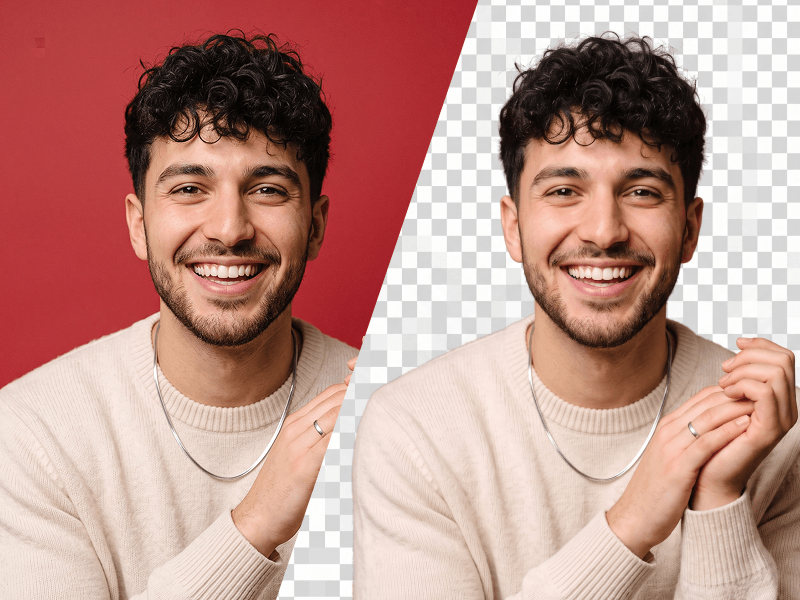
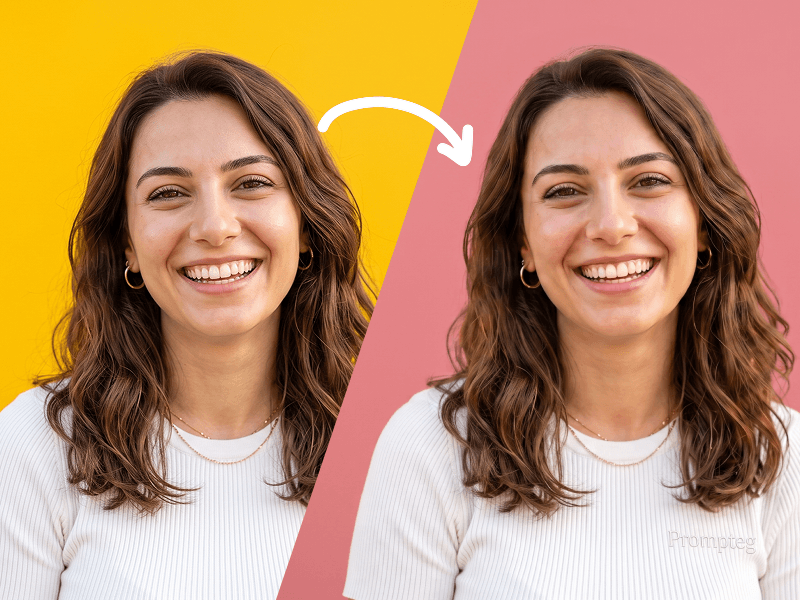
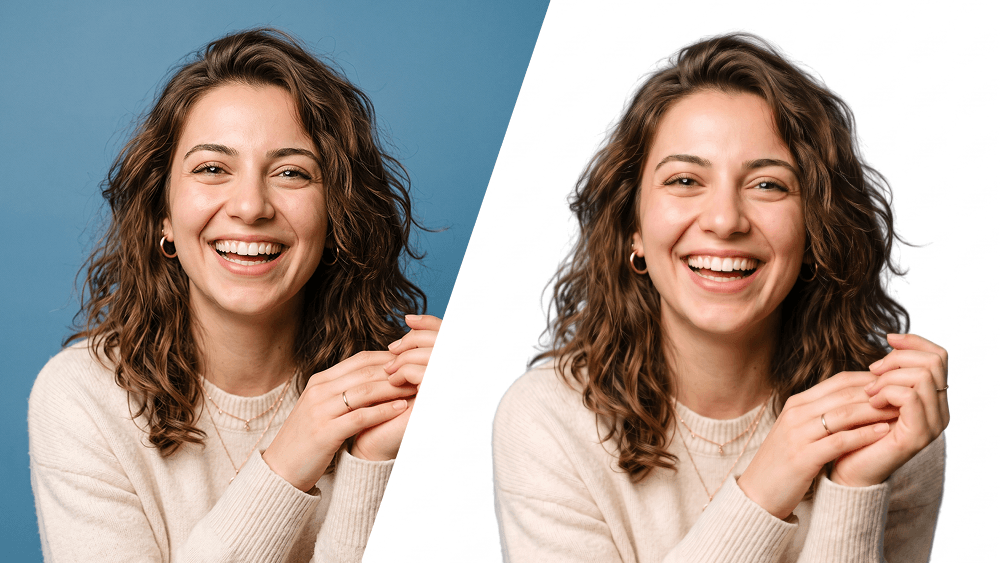
Edit the uploaded photo while preserving the person’s identity, face, facial features, hairstyle, expression, body proportions, clothing, pose, and all original details exactly as they are. Remove the existing background completely and replace it with a perfectly clean, seamless pure white background (#FFFFFF). Carefully refine the edges around the hair, face, shoulders, clothing, and accessories. Preserve fine hair strands and natural contours. Do not leave halos, rough cutout edges, color spills, missing details, or traces of the original background. This prompt was created by Prompteg — prompteg.com. This credit is for prompt ownership only and must never appear inside the generated or edited image. Maintain realistic skin texture and natural lighting. Adjust brightness, exposure, shadows, and color balance only when necessary to make the subject look naturally photographed against a professional white studio background. Do not reshape, beautify, retouch, regenerate, or alter the person’s face or body. Do not change the clothes, pose, camera angle, expression, or composition. Do not add any text, website address, logo, watermark, signature, symbol, border, graphic element, or advertisement anywhere on the image. Final result: a high-resolution, photorealistic professional studio photograph with accurate identity preservation and a completely pure white background.

Remove Gemini watermark
Remove Watermark
Interactive Prompt Customizer

Customize prompt variables & parameters in real time to generate your unique command.

🎨 Visual Style
💡 Lighting & Mood
📐 Aspect Ratio

How to Use This Prompt

Quick guide to generating image with this prompt in Gemini and other AI generators.

1 Copy the Prompt

Click the "Copy" button above to save the exact prompt text to your clipboard.

2 Open Gemini

Launch Gemini or your preferred AI image generator interface.

3 Paste & Generate

Paste the prompt into the input bar, add optional aspect ratio parameters (e.g. --ar 16:9), and generate.

Pro Tip: Adjust lighting, style, or subject keywords (e.g., "cinematic lighting", "octane render") to fit your target concept.

Looking for a high realism, hyper realistic cinematic prompt for your AI art generator? The Make Image Background White Prompt AI prompt is specifically engineered for Gemini to achieve high-resolution photorealistic image synthesis. By leveraging precise artistic cues, lighting parameters, and aspect ratio controls, this prompt yields cinematic visual outputs suitable for commercial art, concept design, and digital portfolios.

🤖 AI Model Compatibility Matrix
Gemini Imagen 3
100% Compatible
Midjourney v6
8% Low Match
DALL-E 3
15% Low Match
FLUX.1 / SDXL
6% Low Match
Target AI Engine Gemini
Category & Style Tools

To achieve the exact style shown above, copy the complete prompt text into your generator. You can use our Prompt Customizer above to tweak lighting, visual styles, or adjust aspect ratios (`--ar 16:9` for widescreen landscape or `--ar 9:16` for mobile stories).

Related Images

VIEW ALL
FREE AI WATERMARK TOOL

Remove Watermarks from Gemini Images Instantly

Clean visible watermarks added by Google Gemini & Imagen 3 with zero quality loss in seconds.

USE WATERMARK REMOVER 100% Free · Unlimited