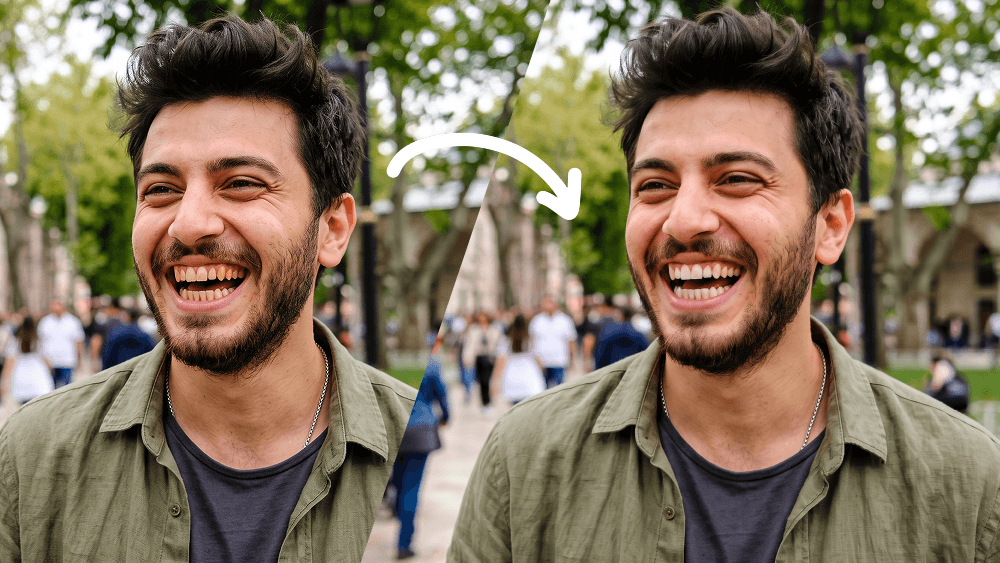
Natural Teeth Whitening Photo Editing Prompt
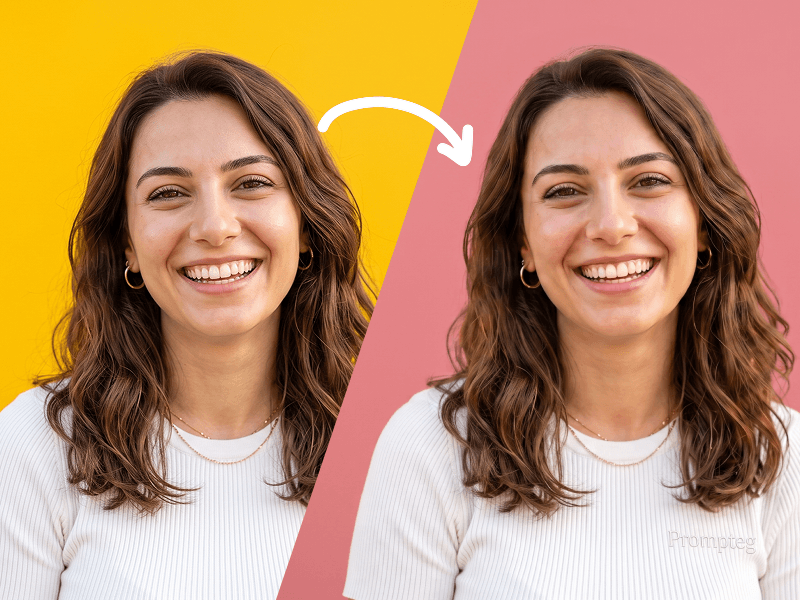
Use my uploaded photo as the only source image and make one extremely subtle, photorealistic edit only: naturally whiten my visible teeth. Preserve every other detail of the original photograph exactly as it is. Teeth Edit Gently whiten only the visible natural tooth enamel. The result must look realistic, healthy, and naturally clean — not artificially bright, pure white, glowing, bleached, porcelain-like, or veneer-like. Reduce mild yellow or warm discoloration while preserving: The natural ivory tone of real teeth Natural enamel translucency Existing highlights and shadows Individual tooth texture Natural color variation between teeth Realistic depth inside the mouth The original influence of the photograph's lighting and white balance Do Not Change the Teeth Themselves Do not alter: Tooth shape Tooth size Tooth length Tooth width Tooth position Tooth alignment Tooth spacing Gum line Bite Tooth edges Existing natural asymmetries Smile shape Lip position Mouth shape Do not straighten, reshape, repair, enlarge, shrink, smooth, replace, or cosmetically redesign any tooth. Preserve My Identity Exactly Do not modify my: Face shape Facial proportions Jawline Cheekbones Eyes Eyebrows Nose Lips Skin Skin texture Pores Facial hair Hair Hairline Ears Expression Head position Do not apply beauty filters, facial retouching, skin smoothing, makeup changes, symmetry correction, face reshaping, or age modification. Preserve the Original Photograph Keep the original: Pose Expression Composition Crop Camera angle Perspective Lighting Shadows Highlights Exposure Contrast White balance Color grading Background Clothing Accessories Image texture Sharpness Depth of field Grain/noise characteristics Do not enhance, regenerate, reinterpret, or restyle the photograph. The final result should look like the exact same untouched original photo, with the only noticeable difference being that my teeth appear slightly cleaner and naturally whiter. Priority: absolute identity preservation and minimal editing. Change only tooth enamel color. Everything else must remain pixel-level consistent with the source image wherever possible. Prompt credit: www.prompteg.com — external only, do not render it in the image.
Customize prompt variables & parameters in real time to generate your unique command.
How to Use This Prompt
Quick guide to generating image with this prompt in Gemini and other AI generators.
Click the "Copy" button above to save the exact prompt text to your clipboard.
Launch Gemini or your preferred AI image generator interface.
Paste the prompt into the input bar, add optional aspect ratio parameters (e.g. --ar 16:9), and generate.
Looking for a high realism, hyper realistic cinematic prompt for your AI art generator? The Natural Teeth Whitening Photo Editing Prompt AI prompt is specifically engineered for Gemini to achieve high-resolution photorealistic image synthesis. By leveraging precise artistic cues, lighting parameters, and aspect ratio controls, this prompt yields cinematic visual outputs suitable for commercial art, concept design, and digital portfolios.
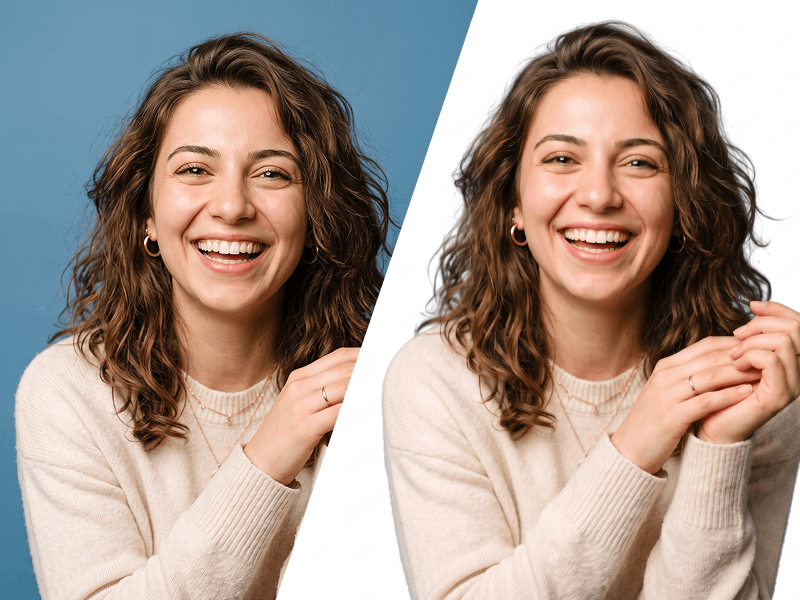
To achieve the exact style shown above, copy the complete prompt text into your generator. You can use our Prompt Customizer above to tweak lighting, visual styles, or adjust aspect ratios (`--ar 16:9` for widescreen landscape or `--ar 9:16` for mobile stories).
Related Images
Remove Watermarks from Gemini Images Instantly
Clean visible watermarks added by Google Gemini & Imagen 3 with zero quality loss in seconds.